11 QR formats
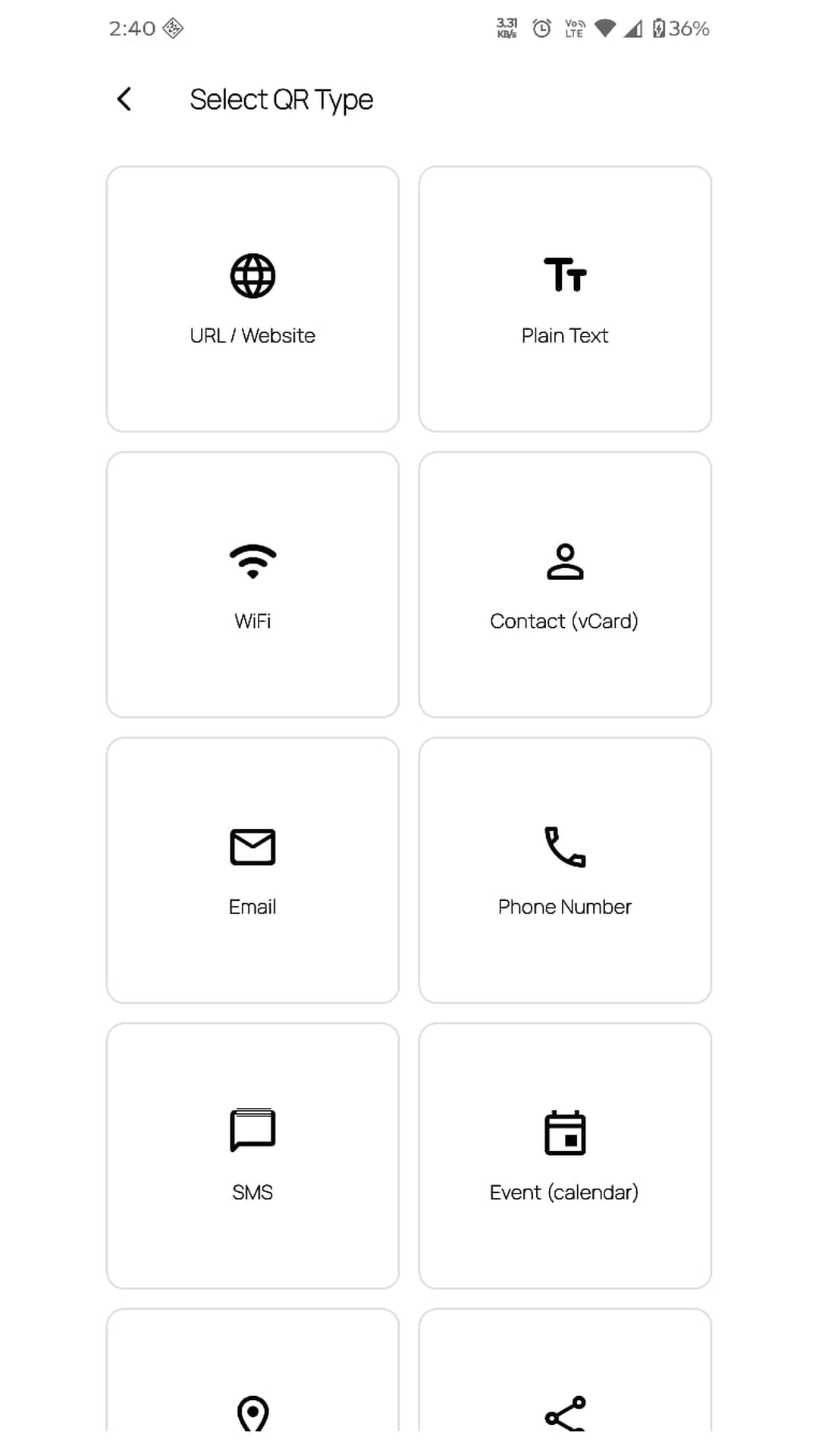
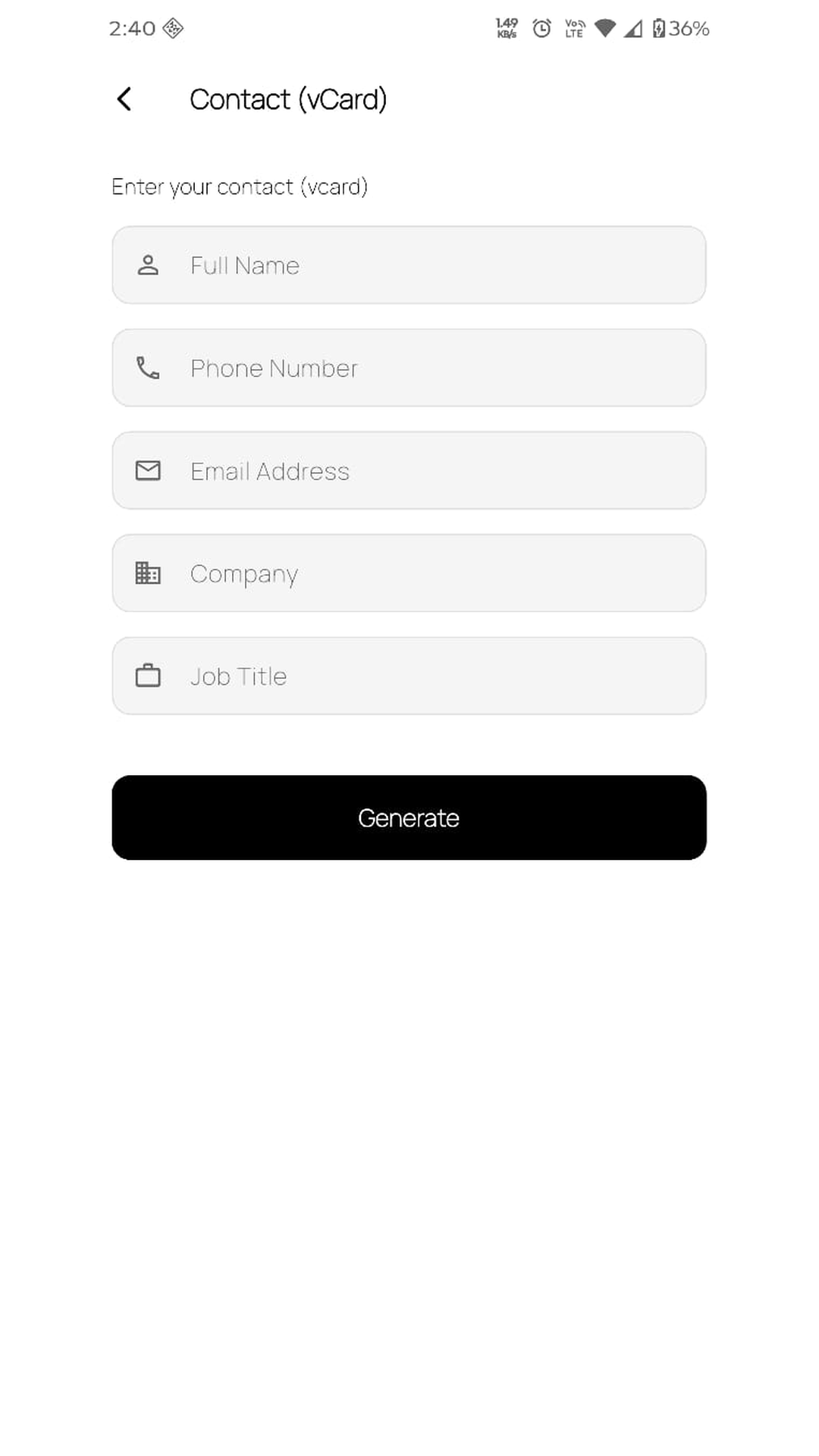
URL, plain text, WiFi, contact card, email, phone, SMS, calendar event, location, social profile and UPI payment.
DigiQR makes QR codes in 11 formats, reads them from your camera or gallery, and tells you when a printed code has been swapped for a fake one. No account, no sign-up, works offline.
Features
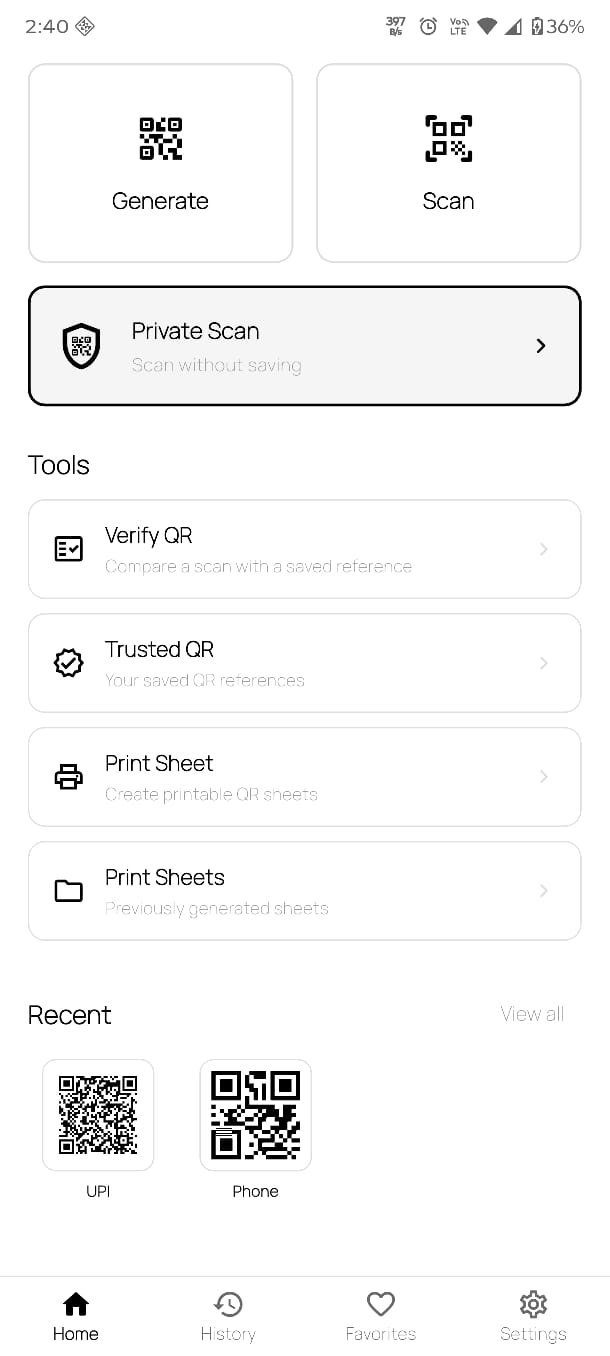
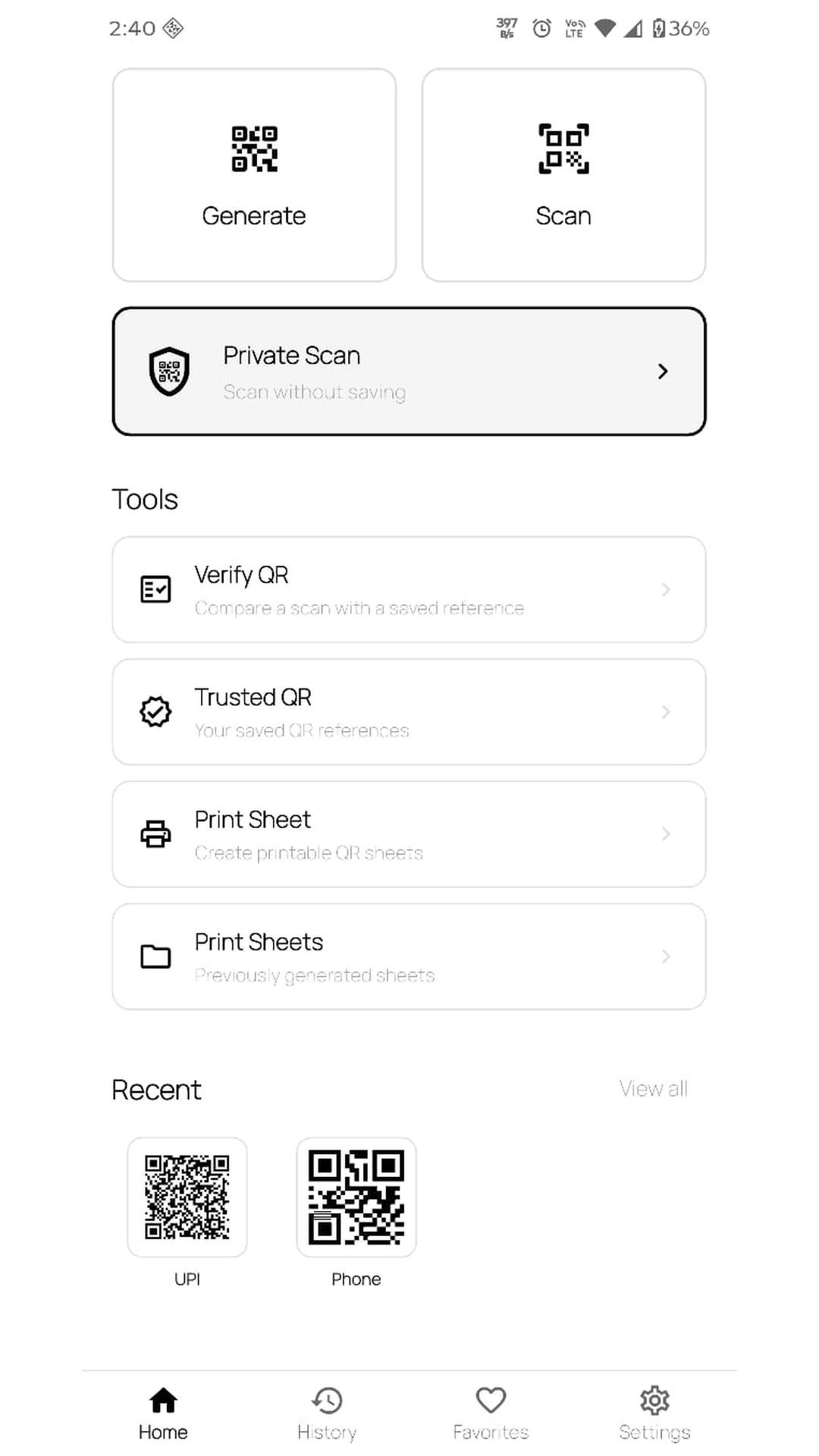
Built as a single, focused tool — generate, scan, verify and print, without the clutter or the constant upsells.
URL, plain text, WiFi, contact card, email, phone, SMS, calendar event, location, social profile and UPI payment.
Point and scan, or pick a screenshot you already saved. Both paths decode the same way.
Scan something once without leaving a trace. Nothing is written to history unless you tap save afterwards.
Lay your codes out on A4 or Letter, portrait or landscape, in three sizes, then print or export a PDF.
A contact card can be added to your contacts, an event opens your calendar, and a WiFi code copies the password and opens the network picker.
Every code you scan or make is saved automatically. Filter by type and star the ones you reach for often.
Trusted QR
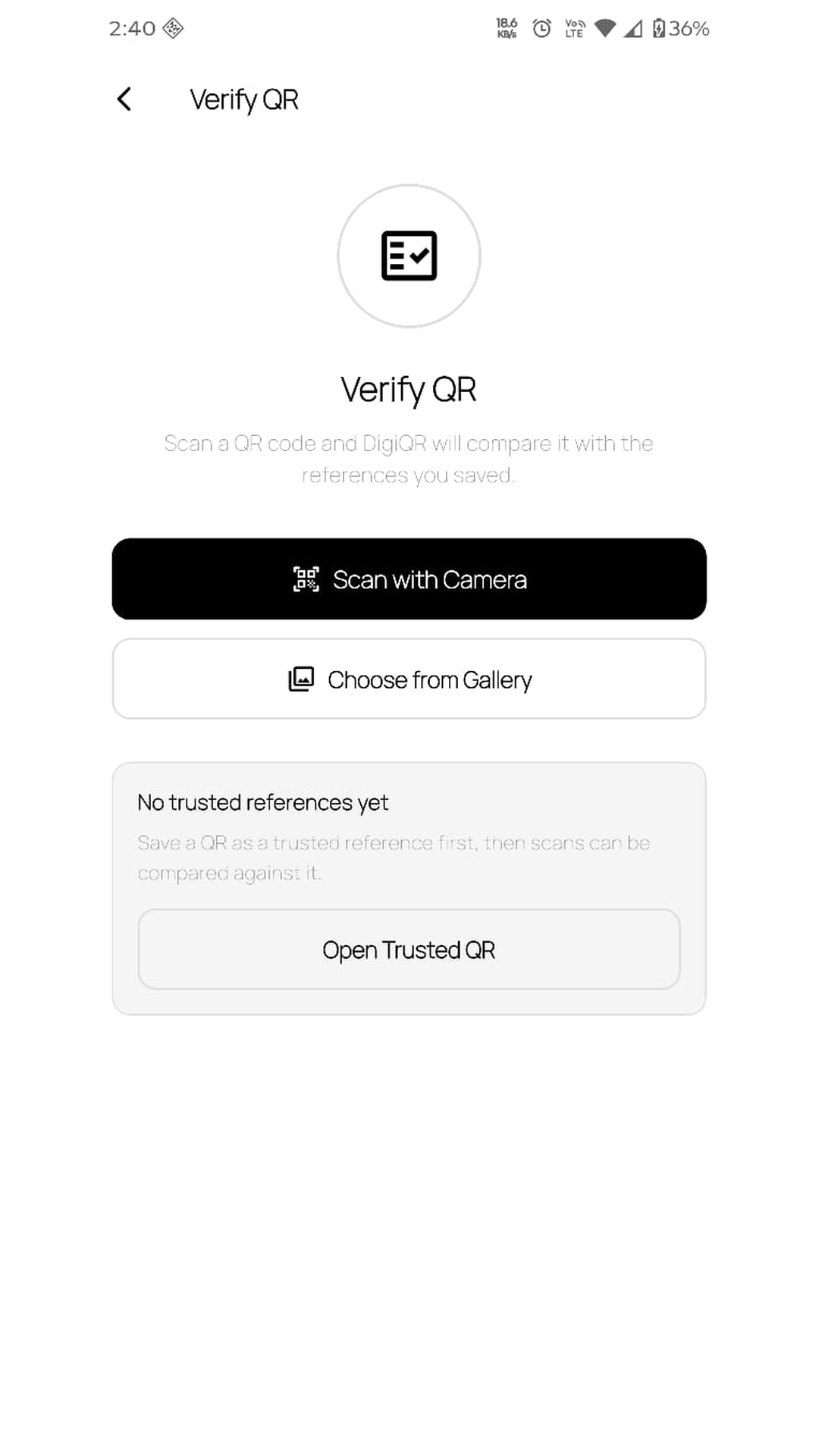
Pasting a fake QR code over a real one is one of the most common scams there is — and you cannot tell by looking. DigiQR compares the code in front of you against a copy you already trust.
The code is byte-for-byte identical to the reference you saved. Nothing has been swapped.
The code no longer matches your reference. Stop and check with the merchant before paying.
Screenshots
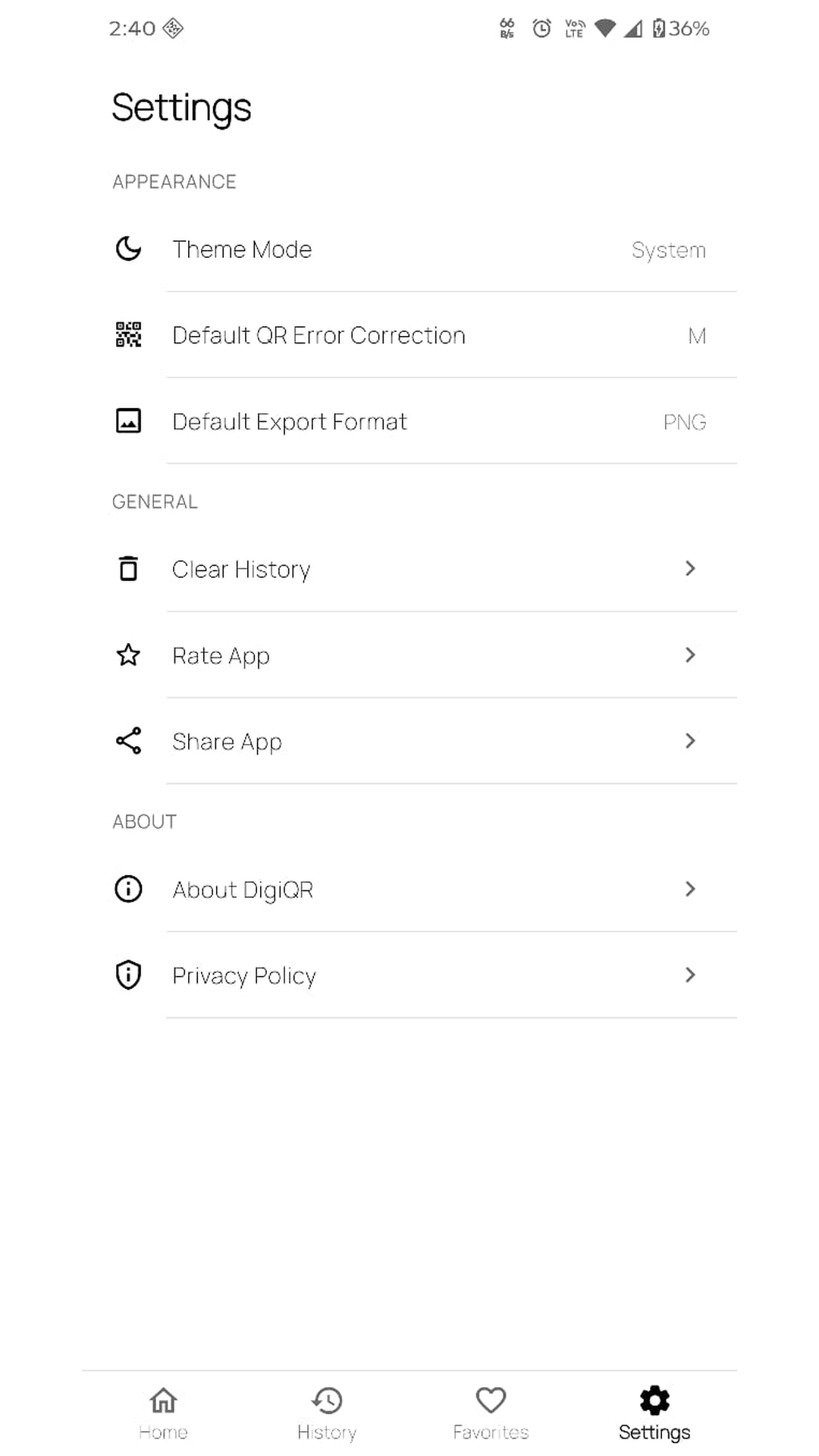
Light, dark and system themes. No colour-coded clutter, no dashboards you did not ask for.
Download
DigiQR is free and supported by ads, with an ad-free option inside the app. Your QR history never leaves your phone.
Get it on Google Play